

Digital Car Keys: What Changes When You Buy a Used Car
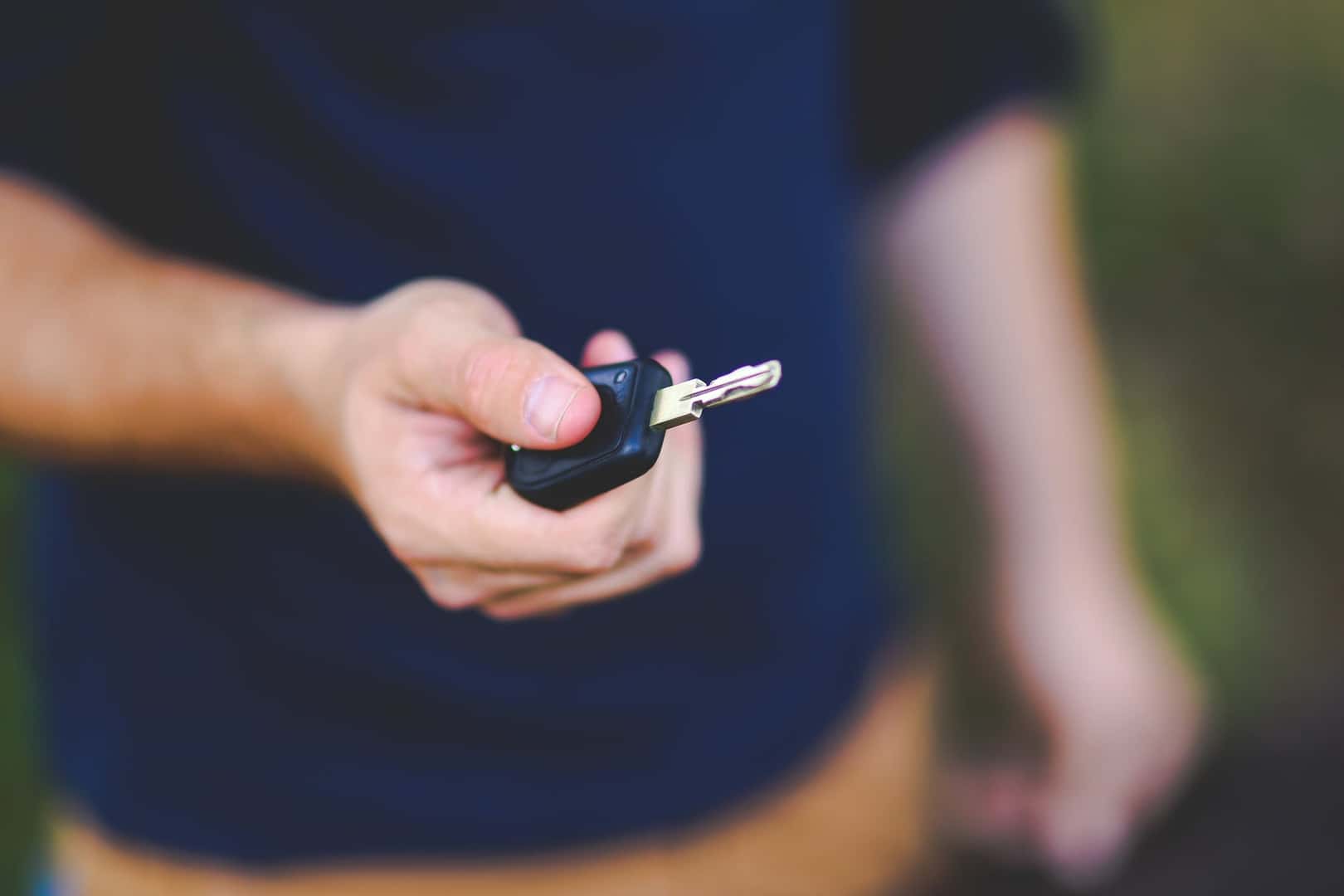

A used car that unlocks with a phone can involve more than handing over a key fob. The physical keys, the phones allowed to start the vehicle and the manufacturer account controlling connected services are separate parts of the handover. A successful unlock demonstrates one function; it does not establish that the previous owner’s access has ended or that the buyer controls every connected feature.
That makes digital-key setup worth discussing before collection day. The useful question is not simply whether a model offers a phone key. It is whether this particular vehicle, the buyer’s device and the ownership-transfer process work together, with a usable backup available.
Three kinds of access to distinguish
| Access | What to establish |
|---|---|
| Physical fob, card or mechanical key | Which keys are supplied, which are recognized by the car and how the documented backup works. |
| Phone or wallet key | Which devices and shared credentials remain authorized, and how the new owner provisions their own. |
| Manufacturer account | Who controls the vehicle in the official app and whether the ownership handover is complete. |
The distinction is especially useful when a seller demonstrates an app on their own phone. That shows their setup working at that moment. It does not prove that the same function will be available on another phone or under a different account. Request the instructions for the exact vehicle and record which part of the handover has actually been completed.
Compatibility belongs to the car and the device
Apple’s car-key guide requires a compatible vehicle and eligible Apple hardware. The available functions vary by car, and passive entry has additional device requirements. A key held near a reader and a key that works while the phone stays in a pocket are therefore different capabilities.
Google’s setup guide similarly limits digital keys to selected vehicles and markets. Pairing may begin through the automaker’s app, an email or the car’s display, depending on the vehicle. Setup requires an internet connection. A familiar phone brand or a recent model year alone is not a compatibility guarantee.
This is also a separate question from phone projection. CarPlay or Android Auto support does not, by itself, establish digital-key support. The CarPlay and Android Auto comparison concerns the apps on the dashboard; the key discussion concerns access to the vehicle.
An ownership transfer is different from adding a driver
Tesla provides a clear manufacturer example. Its ownership-transfer guide says a third-party buyer must claim the vehicle in the Tesla app. Transferring ownership removes the previous owner’s app access and gives the new owner control of the vehicle’s app features. Adding someone as a driver is a different action.
Tesla says ownership requests can take up to 48 hours and may require documentation or further action. Some credits, upgrades, subscriptions and other features may not transfer. A buyer should establish the status of those items rather than treating the seller’s app screen as a promise about their own account.
The vehicle’s key list is another check. Tesla’s key instructions separately describe pairing and removing phone keys, cards and fobs. Use the manufacturer’s process for the actual car; do not assume that changing one app setting is a universal way to complete every part of a handover.
Shared keys need their own review
Access may have been shared beyond the seller’s primary phone. Apple specifically notes that marking an iPhone lost does not turn off keys shared with other people. Lost-device controls and managing a vehicle’s authorized users address different questions.
Deletion timing can also depend on the vehicle and method. The 2026 Volvo EX30 manual describes a grace period for certain shared-key deletions through a wallet, while removal through the center display disables that key immediately. That is an EX30 example, not a rule for other Volvos or other brands.
A useful collection-day demonstration
With the vehicle parked, have the relevant owner or authorized retailer demonstrate the buyer’s own supported phone unlocking and starting the car, the documented backup key and the authorized-device list. Confirm the manufacturer-account transfer separately. Keep a working approved backup available while access is being changed, and follow the manual rather than deleting every credential at once.
When comparing used vehicles, ask which physical keys are included and what connected access still needs to be transferred. Digital access can be convenient, but the strongest handover is one the new owner can explain and demonstrate without relying on the seller’s phone.
0 comment(s) so far on Digital Car Keys: What Changes When You Buy a Used Car