

Rivian Halloween Mode 2026: Ghostbusters Features and Setup
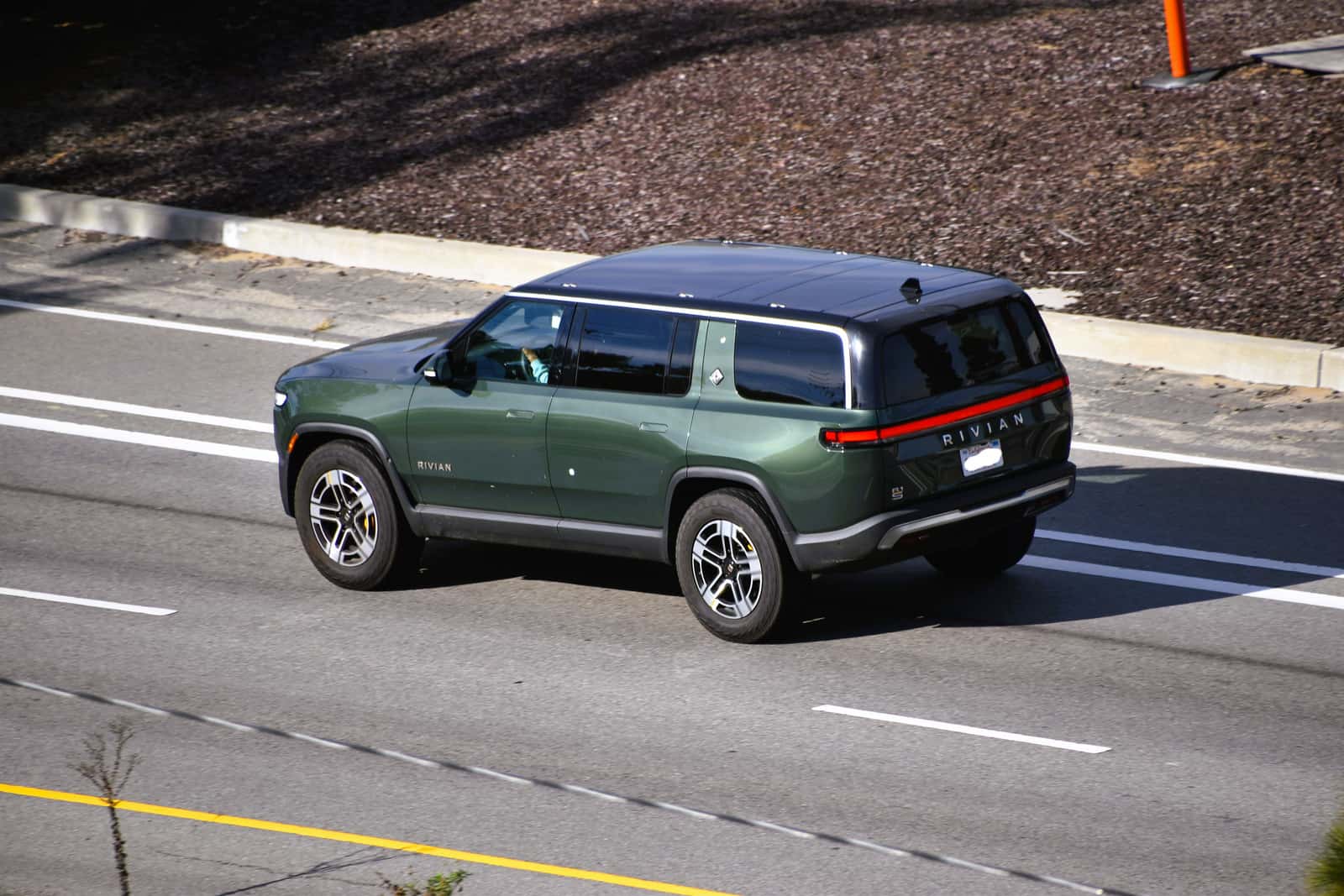
Rivian’s 2026 Halloween Mode turns an R1S, R1T or R2 into a coordinated Ghostbusters light, sound and screen experience. The seasonal software is available through November 2, with a dedicated in-vehicle app, a scavenger hunt and a game for parked use. The practical details are which update to install, how to start it and which features vary with the vehicle.
What the Ghostbusters update adds
Rivian describes the experience in its October 8 software announcement. A red toggle in the Ghostbusters app coordinates themed cabin lighting, audio and exterior effects. Trick or Treat Mode brings the displays, music and outside light-and-sound show together, with controls available from the vehicle and Rivian mobile app.
Available themes include Ecto-1, Proton Pack, Slimer, Ghost Trap and Peter Venkman. Motion Mode can make the vehicle react when someone walks past. The separate scavenger hunt sends owners looking through familiar screens for hidden characters, while the parked-only ‘Mallow Mash game has players popping Mini-Pufts against the clock on the center display.
How to get Halloween Mode running
Start with the vehicle software and phone app. At launch, Rivian identified version 2026.36.0 for R1 vehicles and 2026.36.40 for R2, and instructed owners to update the Rivian mobile app as well. Those are the announcement’s version references; use the current update offered for the actual vehicle rather than looking for an older package.
Rivian says an invitation appears on the driver display after the updates. Open the Ghostbusters app from the center screen and use its main toggle. Owners can select effects there or use the mobile app for Trick or Treat, exterior effects, music and sounds. Rivian’s Halloween feature page also identifies Apple Watch control for Trick or Treat Mode.
Watch Rivian’s official software tour
R1 Gen 1, R1 Gen 2 and R2: the documented difference
Rivian describes the experience across its lineup, but the same software theme does not make every vehicle’s hardware identical. Its October 15 explanation of Halloween Mode uses custom lock sounds as a specific example of features being adapted to the vehicle.
| Vehicle | Published choices |
|---|---|
| R1 Gen 1 | Ecto-1 |
| R1 Gen 2 | Ecto-1, Proton Pack and Chant |
| R2 | Ecto-1, Proton Pack and Chant |
That is useful context when comparing a demonstration with the options in a particular vehicle. Check the model and generation first. A missing extra lock-sound choice on a first-generation R1 does not, by itself, show that the Halloween update failed.
What works while parked and while driving
The full experience belongs in Park. Rivian says opening the app while parked transforms the driver display; if the mode is enabled before driving, key visual cues can remain active, with the full feature set reserved for Park. The arcade game is specifically for parked use. Choose and explore the entertainment controls before setting off.
Phone controls are especially useful when the vehicle is part of a stationary Halloween display. They allow the owner to operate the effects without repeatedly getting into the cabin. The actual options shown in the vehicle and app remain the best guide to that vehicle’s supported controls.
Why this update reaches beyond a new screen theme
Rivian’s engineering explanation describes a software command coordinating lighting, speakers and displays over the vehicle’s internal network. The visible result is playful, but the underlying point is how several systems respond to one instruction. Its hardware-tailored lock sounds illustrate why shared software can still produce different options across generations.
For owners, the useful takeaway is to separate three things: installing the supporting software, enabling the seasonal experience and choosing an effect the vehicle supports. That makes it easier to interpret the menus without assuming that every demonstration applies identically to every Rivian.
This feature is based on Rivian’s published instructions and official demonstration, rather than a hands-on vehicle test.
0 comment(s) so far on Rivian Halloween Mode 2026: Ghostbusters Features and Setup