

USB Port Not Working In Car: Cable, Fuse, Or Module?
Phone connections
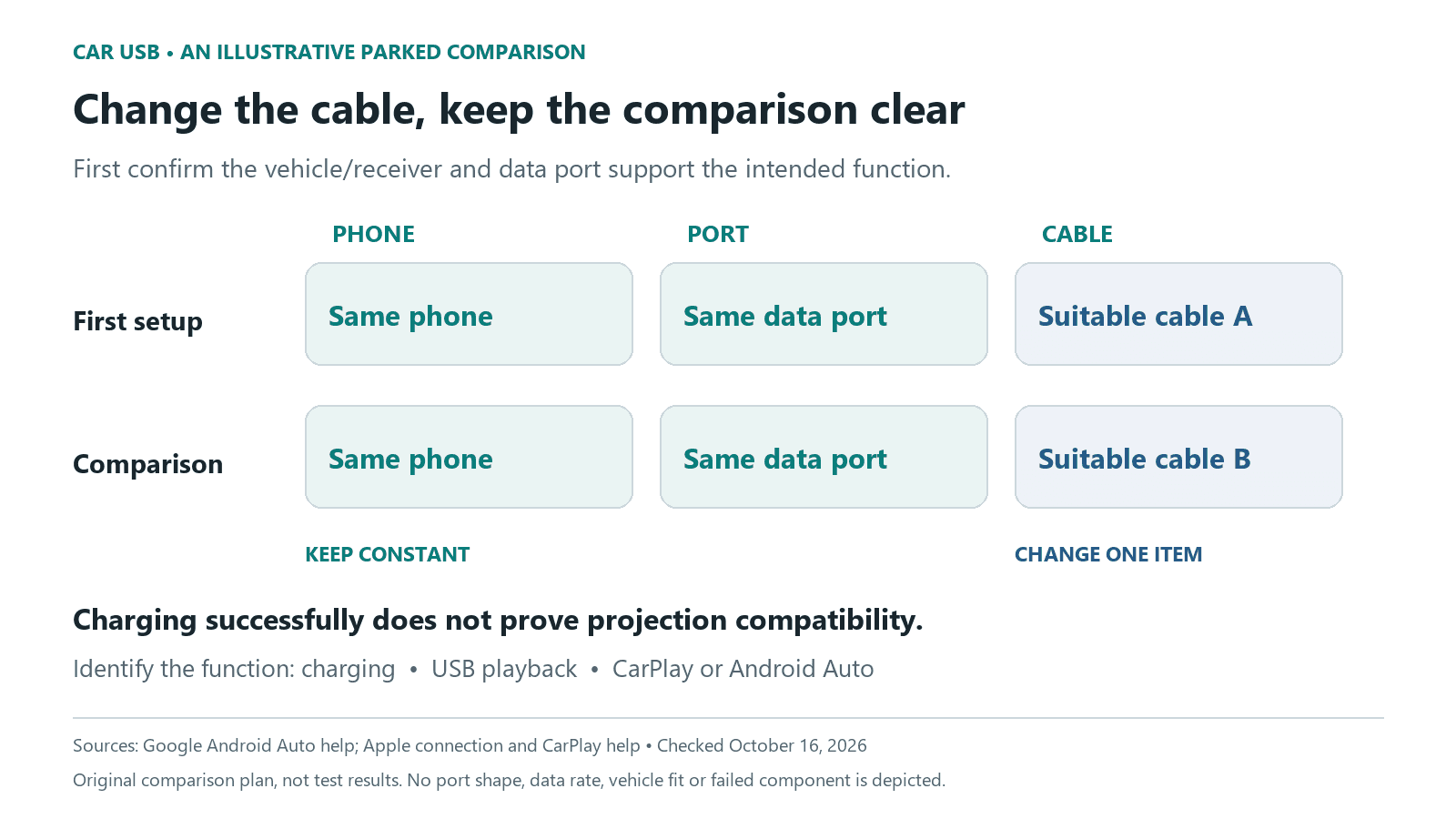
A car’s USB problem can involve charging, audio playback or phone projection. Start by identifying which function failed and whether that port supports it. A phone charging successfully does not establish that the same connection can run CarPlay or Android Auto.
Updated October 15, 2026
Confirm the port’s job before calling it faulty
Check the exact vehicle or aftermarket receiver manual for compatible devices and supported USB functions. Connector shape alone does not settle this. A charge-only socket elsewhere in the cabin is not a substitute for the specified data connection.
Google’s Android Auto help states that a USB port alone does not establish vehicle compatibility. Apple likewise separates CarPlay, USB playback and Bluetooth. Describe the intended function before comparing cables or changing settings.
| Observation | Useful next question |
|---|---|
| The phone charges, but projection does not launch | Does this exact port support the phone-projection system and compatible device? |
| Projection starts and then disappears | Which cable, port, phone and software versions were in use? |
| One app fails while the interface remains visible | Is this an app concern rather than loss of the entire connection? |
| Neither charging nor the intended data function works | Does the manual describe when the port is powered, and what do permitted comparisons show? |
Compare one thing at a time while parked
Use a suitable data cable and the documented port. If a replacement cable is available, keep the phone and port unchanged for that comparison. Record what happened before moving to another variable. Changing the cable, port and settings together may restore operation without showing which change mattered.
Google recommends a high-quality cable for Android Auto and advises against hubs or extensions in its troubleshooting guidance. Apple recommends trying another cable or supported port when available. These are comparison steps, not proof that the original cable or vehicle module has failed.
If the specific complaint is an interrupted CarPlay session, the wired and wireless CarPlay troubleshooting guide separates data-port checks from wireless pairing and reconnection. A wireless fault should not automatically be assigned to the USB socket.
Keep phone software and receiver firmware separate
Follow the phone maker’s and vehicle or receiver maker’s update instructions. Updating the phone does not establish that the stereo has current firmware. Note the installed versions, particularly if the behavior changed after an update or after a different phone was paired.
Apple’s CarPlay instructions also cover the feature’s phone settings and restrictions. Use those instructions for a CarPlay complaint instead of assuming every USB concern needs the same reset. Keep setup changes parked and follow the vehicle manual for any restart procedure.
Bring observations to support, not a parts order
Provide the vehicle and receiver identity, phone model, software versions, supported port and cable used, and the result of each comparison. If another compatible phone was tried, record it separately. A different result is a clue, not a complete separation of all phone-side and vehicle-side causes.
A loose or visibly damaged connector needs appropriate assessment. Do not probe contacts, bridge terminals or substitute a different-rated fuse. A repair recommendation should identify the finding behind it rather than jump from “USB not working” to a battery, hub or module replacement.
0 comment(s) so far on USB Port Not Working In Car: Cable, Fuse, Or Module?