

Car Charging Port Not Working? USB, 12V and Wireless
Phone connections
Start by identifying the connection that has stopped working: a USB socket, a 12-volt accessory outlet and a wireless charging pad have different requirements. A phone that charges but will not launch CarPlay presents a different question from a device receiving no power. Keep those observations separate before buying an adapter or asking for an outlet repair.
Updated October 16, 2026
Charging and data are separate capabilities
A USB connector’s location and shape do not establish what it supports. The 2021 gasoline Honda CR-V manual distinguishes console connections from equipped rear charging ports. Its Display Audio connection supports compatible CarPlay and Android Auto phones; the rear ports supply charging without music playback. These are specific equipment examples, rather than rules for every Honda or USB socket.
| Observation | Question to resolve |
|---|---|
| Phone charges; CarPlay does not appear | Is this the vehicle’s supported data connection, with a compatible phone and cable? |
| One supported USB connection supplies no charge | Does the vehicle require a particular power state, and does the same complaint occur with another suitable cable? |
| Wireless charging stops; cable charging works | What does the pad’s manual say about device compatibility, placement, temperature and indicators? |
If charging works and the remaining complaint is CarPlay dropping out, the CarPlay connection guide separates supported wired connections from wireless pairing and app interruptions. A charging-only socket elsewhere in the car is not an equivalent replacement for its documented CarPlay port.
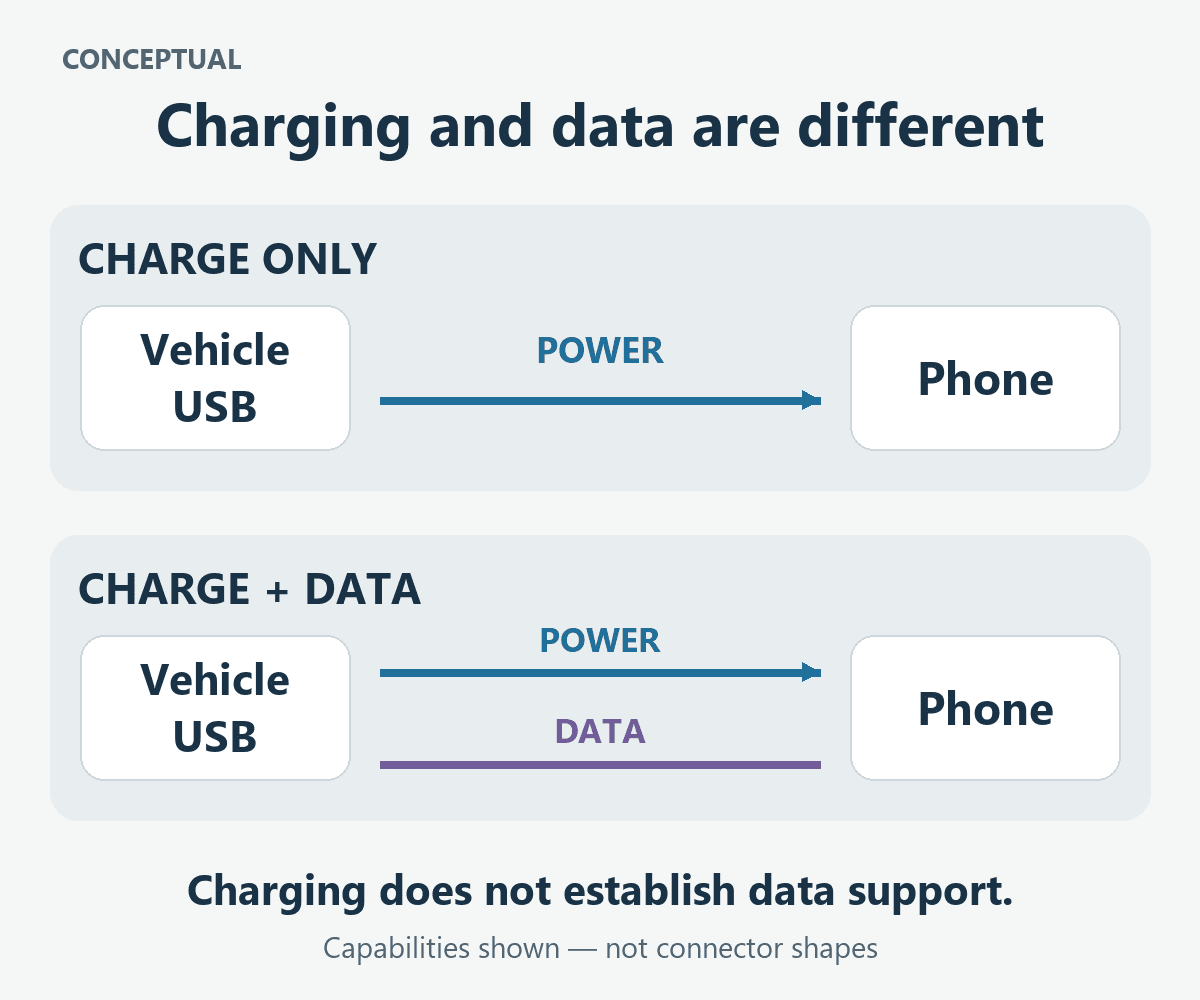
Check the power state specified for that port
Even connections in the same vehicle can operate under different conditions. The 2024 Super Duty manual, printed pages 178–179, says its data-transfer USB ports charge when SYNC is on. Its charge-only ports operate in accessory mode or with the vehicle running. The manual also distinguishes the symbols for those connections.
That distinction is more useful than assuming every inactive socket has a blown fuse. Identify the actual port and read its operating conditions while parked. An observation made with the required system switched off does not establish a hardware failure.
Compare a suitable cable without changing everything
For iPhone USB playback, Apple’s vehicle-connection guidance recommends another cable or USB port when available, checking the manual for the supported connection, and looking for debris or damage at the device’s charging port. Use a cable appropriate to the phone and the intended function. An adapter that fits physically does not establish compatibility.
Keep one comparison and its result together: the same phone and supported port with another suitable cable, for example. Changing the cable, port and phone software together may restore operation but leaves the cause unclear. Visible damage or a loose connector also belongs in the description; do not force the plug or probe a powered socket.
A 12-volt outlet or wireless pad needs its own instructions
The cited CR-V manual rates its accessory socket for 12-volt DC accessories up to 180 watts and warns against inserting a cigarette-lighter element. That limit belongs to this vehicle’s socket, not every outlet. Check the actual socket rating and accessory requirements before treating a USB adapter as an interchangeable part.
For its optional wireless pad, Honda identifies compatibility, centered placement and device temperature among the charging conditions. It also warns that metal between the pad and device can become hot enough to burn. Wireless-pad indicators therefore need their own manual interpretation; a stopped charge is not automatically a failed USB hub.
Keep any repair recommendation tied to this complaint
Give the repairer the exact connection location, device, cable or adapter, required power state and comparison results. Ask what finding supports an outlet, wiring or module recommendation. A fuse replacement is not a general first step, and one successful connection does not prove that an intermittent complaint is resolved.
0 comment(s) so far on Car Charging Port Not Working? USB, 12V and Wireless