

Physical Buttons vs Touchscreens: Used-Car Tech Guide
Dashboard usability
A dashboard can have an enormous screen and still make a simple task awkward. When comparing used cars, look at how you change the temperature, clear the windshield, adjust the volume and return to navigation. The number of buttons matters less than whether the controls you need are clear, reachable and consistent.
Updated October 16, 2026
Volkswagen’s change illustrates the question
Volkswagen’s March 2023 ID. 2all concept description combined a large touchscreen with a separate climate-control panel using illuminated buttons and a volume thumbwheel. It showed a possible mix of screen functions and dedicated controls. Volkswagen identifies that vehicle as an archived concept, not a car available for sale.
That announcement does not establish which controls are in a particular U.S. Volkswagen, or promise a retrofit for an older one. For a used-car decision, inspect the actual dashboard. Model year, trim, equipment and replacement audio hardware can change the experience even when two cars share a model name.
Compare tasks rather than screen sizes
A dedicated knob gives your hand a fixed place to go. A touchscreen can put a map, camera image and changing information in one space. Either approach can be confusing if labels are obscure, frequently used functions are hidden or the response is hard to interpret. A physical button is not a guarantee that using it while moving is safe.
NHTSA describes distraction as visual, manual or cognitive: eyes away from the road, hands away from driving or attention directed elsewhere. That includes interactions with entertainment and navigation systems. Familiarity helps you understand a layout; it does not eliminate the attention a task requires.
| Task | What to notice |
|---|---|
| Adjust temperature and fan | Can you find the controls immediately, and tell which setting changed? |
| Find windshield defogging | Is the correct control clearly marked and accessible from the driving position? |
| Change volume or mute | Check the dashboard and supported steering-wheel controls. |
| Return to the map | Can you return from another menu without starting over? |
| Read the display | Check text size, brightness adjustment and visibility from your normal seat position. |
Bring the phone you will use
Built-in navigation, Bluetooth audio and phone projection are separate features. A car can have one without the others. A USB socket may charge a phone without supporting Apple CarPlay or Android Auto, and wired support does not establish wireless support.
Complete pairing and permissions before moving. Google’s Android Auto setup instructions place setup while parked. Open the apps you normally use and check audio, microphone operation and the available controls. Our CarPlay and Android Auto comparison explains why both the phone and the vehicle’s installed equipment matter.
Judge the whole interaction
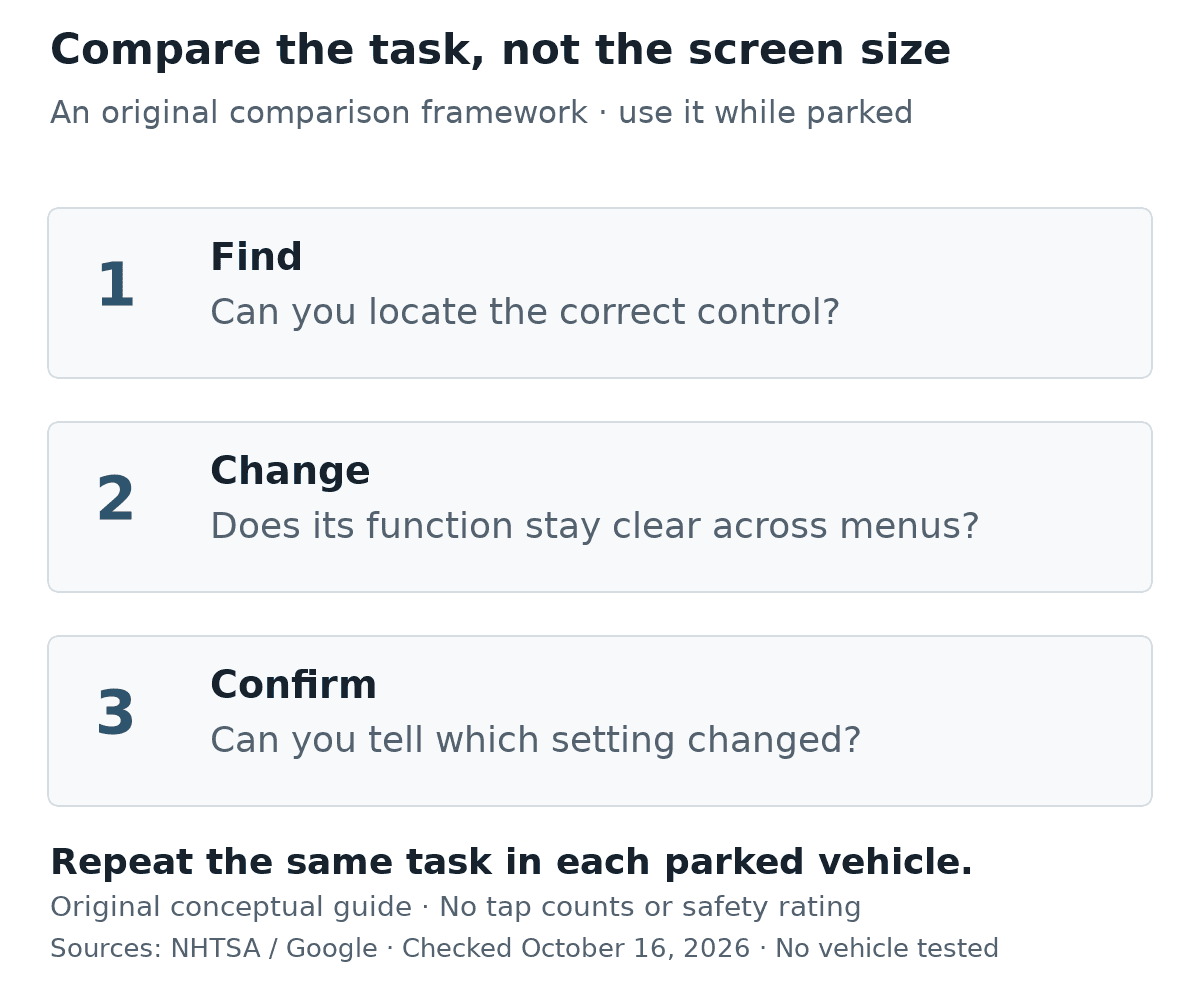
Also distinguish a single-purpose button from a control whose job changes with the selected screen. While parked, move between audio, navigation and climate menus and see whether the same action still does what you expect. Consistency is something you can compare directly without relying on another driver’s preference for buttons or screens.
Notice what happens when the screen changes modes. Can you still identify the climate setting? Does a pop-up cover information you need? Are touch targets easy to distinguish without leaning forward? These are practical observations to make in the parked car, rather than reasons to experiment with unfamiliar menus during a drive.
If something does not respond, have the seller demonstrate its intended operation and explain any unresolved fault. An unfamiliar menu and a defective control are different problems. Before choosing the car, establish which one you are dealing with—and whether you are comfortable living with its everyday layout.
0 comment(s) so far on Physical Buttons vs Touchscreens: Used-Car Tech Guide