

2026 Subaru Outback Controls: Buttons, Screens and Packages
Cabin design
Updated October 16, 2026
The 2026 Subaru Outback pairs a large touchscreen with separate climate buttons and dials. That division matters more than the screen’s diagonal measurement: a temperature adjustment and a navigation search are different tasks. MotorTrend’s June 29 long-term Wilderness update praised the physical controls after about five months with the vehicle, but the equipment list is worth checking before treating one review car as the whole lineup.
Two displays, with different jobs
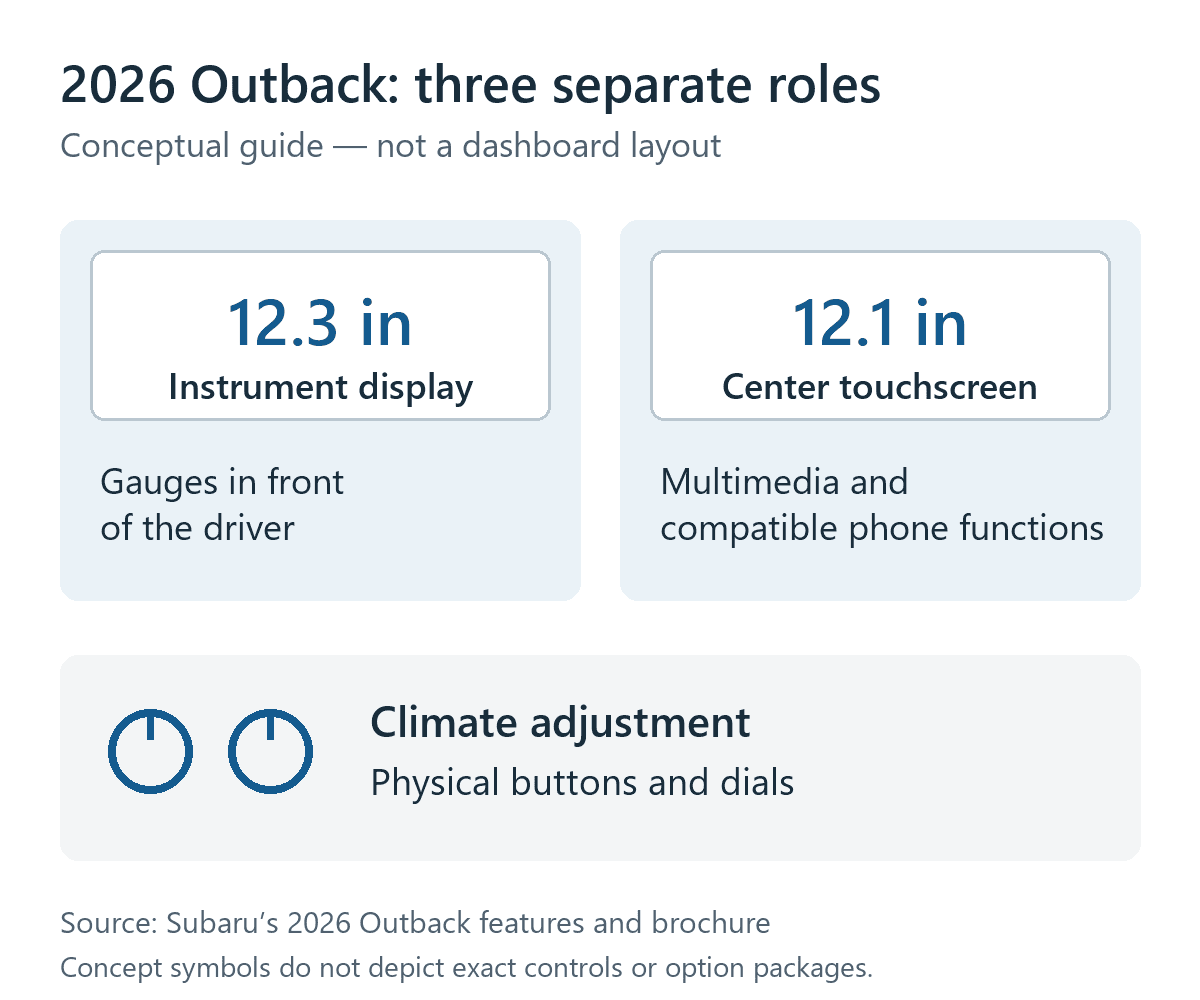
Subaru identifies the center multimedia touchscreen as 12.1 inches and the digital instrument display as 12.3 inches. The first handles infotainment and supported phone functions; the second sits in front of the driver. Subaru lists wireless Apple CarPlay and Android Auto integration with the multimedia system. Those are separate specifications, even though the measurements are close.
The manufacturer also specifically calls out physical buttons and dials for climate control. A larger display therefore does not mean every routine adjustment has moved into a menu. Equally, the presence of buttons does not tell you that every function you want has a dedicated control.
What changes with the Wilderness package?
Subaru’s brochure makes a useful distinction between standard Wilderness equipment and its option packages. Standard upholstery is StarTex with copper contrast stitching. Option Package 23 instead lists black Nappa leather seats and different power-seat equipment. That makes the actual window sticker more useful than a general claim that every Wilderness has the same easy-clean cabin.
| Configuration | Listed equipment | What to confirm |
|---|---|---|
| Standard Wilderness | 12.1-inch multimedia; StarTex upholstery | Seat material and phone functions on the vehicle |
| Option Package 22 | Navigation, power moonroof and 360-degree Surround View Monitor | Package shown on the window sticker |
| Option Package 23 | Navigation, moonroof, surround-view system, Nappa seats and upgraded power seats | Seat controls and memory equipment actually fitted |
The packages also explain why a camera button or a particular seat adjustment seen in a review should not become a promise about every example. Equipment needs to match the vehicle being considered, including when comparing a 2026 Outback with an older one.
A useful check starts while parked
With the vehicle stationary, set a comfortable driving position and find the temperature, fan and windshield-clearing controls. Notice whether you can read their labels from that position and whether a screen menu is needed for the adjustments you use most. Then try the phone connection and navigation display with your own compatible device.
Keep those observations separate. A knob that is easy to locate says something about control layout; it does not establish that phone pairing will be quick or that a camera is included. MotorTrend’s positive experience is a reason to examine the layout, not a guarantee that it will suit every driver.
The practical question is which tasks the cabin makes straightforward for you. Check the fitted controls and package first, learn unfamiliar functions while parked, and leave setup and menu exploration for a time when you can give them your attention.
0 comment(s) so far on 2026 Subaru Outback Controls: Buttons, Screens and Packages