

How to Read a Used-EV Battery Health Report
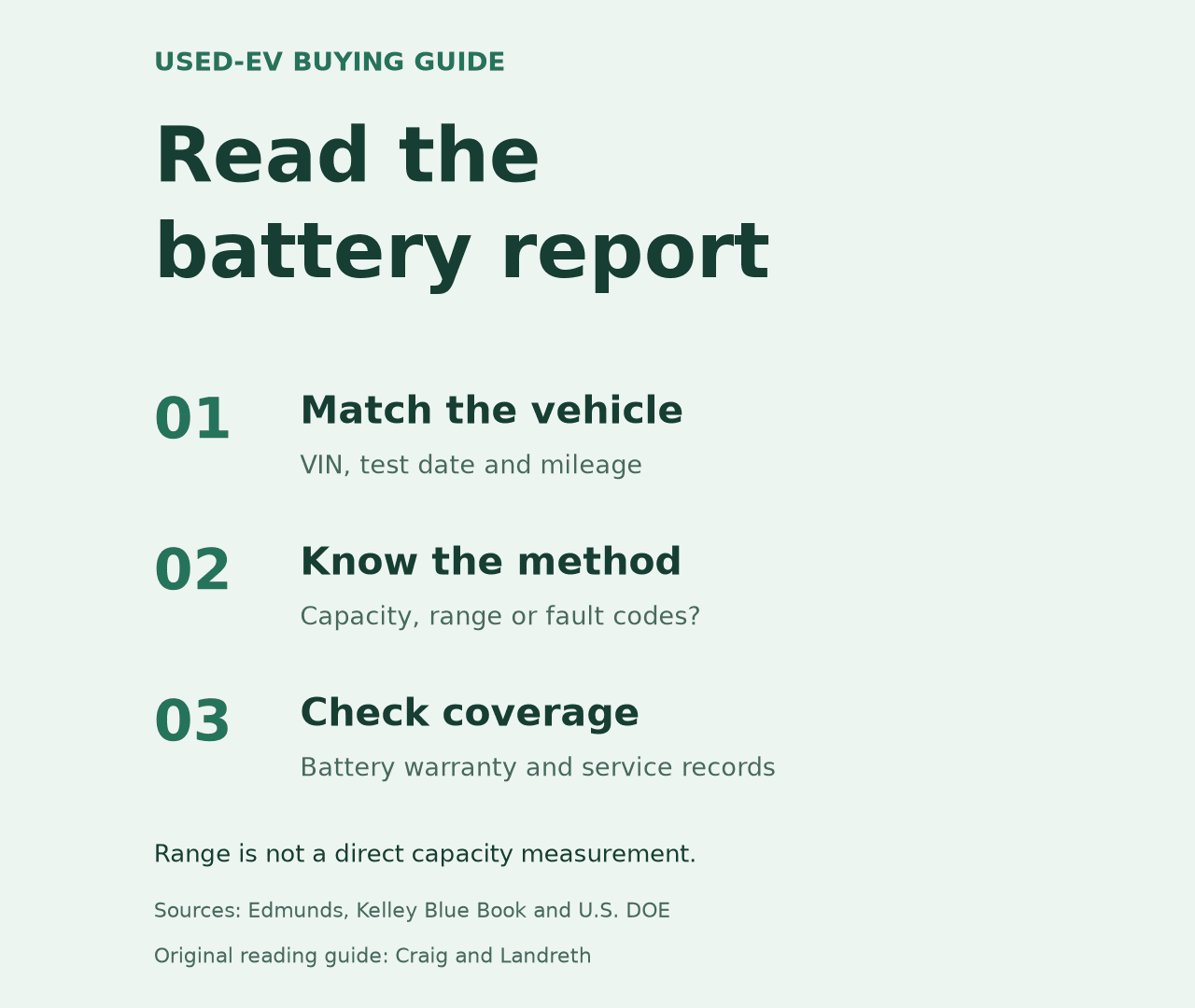
What a battery-health report can establish
A battery-health report can add useful diagnostic information to a used-EV purchase, but its meaning depends on the test method and the specific vehicle. Edmunds describes such a report as an estimate of overall battery health and notes that a dealer or qualified technician may be able to run a check. Ask who generated the report, when it was performed, which battery or components it covers, and whether it is tied to the VIN of the car being offered. If a seller provides a score without method or date, ask for the supporting record.
Keep the result tied to the vehicle
Before relying on a report, match its VIN to the car and note the test date, mileage, provider, software or tool name, and the exact metric reported. Ask for the complete report rather than a cropped score. If the displayed result uses a percentage, ask what “100 percent” means in that provider’s method: original rated capacity, a current usable-capacity estimate, or another calculated baseline. Without that definition, the number is difficult to compare with a result from another tool or another model.
Ask whether the result covers the whole high-voltage battery or only selected cells, modules, codes, or available data. A scan that finds no fault codes is not automatically a measured capacity test. Likewise, a vehicle’s estimated driving range is not the same thing as a battery-health percentage; Kelley Blue Book notes that displayed range can move with temperature, recent driving, and climate-control use. Save the report with the inspection and repair records so a later buyer can see what was actually checked and when.
Use the VIN to confirm the applicable battery-warranty booklet and current coverage with the manufacturer. Check the mileage and time limits, capacity threshold if one applies, transfer terms, and required diagnostic procedure. A report does not itself create, extend, or prove warranty coverage. If the provider or seller cannot explain the method or warranty process, ask for the documentation before purchase and have an EV-qualified technician interpret the result. A general service page can describe routine maintenance, but confirm separately whether any shop can perform the particular high-voltage battery diagnosis you need.
For the rest of the purchase review, compare the report with the service history and inspection findings. The inspection checklist covers other vehicle condition checks; general inspections do not by themselves measure high-voltage battery capacity. Shoppers can also browse current used-vehicle listings, then ask the seller for the exact report and VIN before making a decision.
Turn the result into specific follow-up questions
If two reports disagree, compare their dates, mileage and methods before deciding that the battery changed. Ask whether either test used different conditions or a different calculation. A technician should explain what an estimate supports and what remains unmeasured. Do not average two incompatible scores to create a new health figure. Keep the provider’s original document so its qualifications remain attached to the number.
The Department of Energy’s maintenance guidance directs owners to the manufacturer for battery-life and warranty information. Use that documentation to frame the follow-up: which test the manufacturer recognizes, who can perform it, and what additional evidence is needed. Record the answer alongside the report rather than treating a seller’s verbal summary as the complete diagnostic record.
0 comment(s) so far on How to Read a Used-EV Battery Health Report